Setting up VOD streaming on Firestick is straightforward when you follow these simple steps. This complete guide will walk you through the entire process from start to finish.
Prerequisites
Before starting, ensure you have:
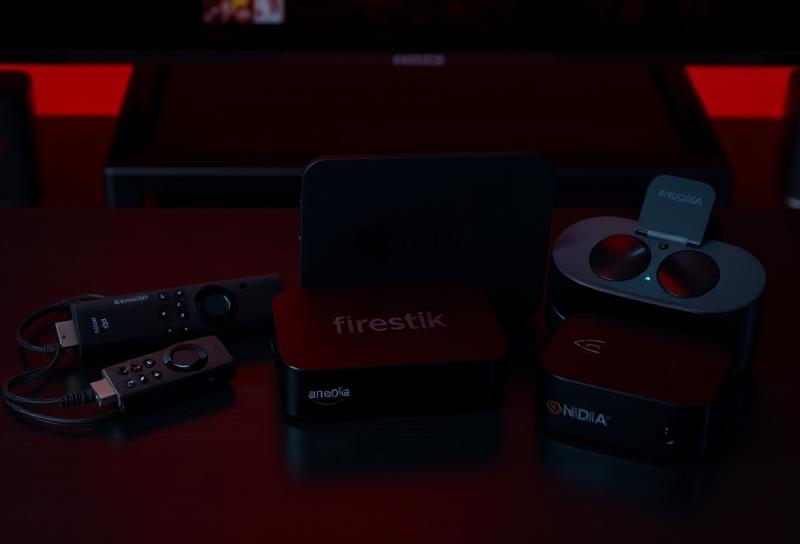
- Amazon Firestick (any version)
- Stable internet connection (10+ Mbps recommended)
- VOD streaming subscription credentials
Step 1: Enable Unknown Sources
First, allow installation of third-party apps:
- Go to Settings from the home screen
- Select 'My Fire TV' or 'Device'
- Choose 'Developer Options'
- Enable 'Apps from Unknown Sources'
- Confirm by selecting 'Turn On'
Step 2: Install Downloader App
Downloader is essential for sideloading apps:
- Go to Search on your Firestick
- Type 'Downloader' and select it
- Click 'Get' or 'Download'
- Wait for installation to complete
Step 3: Install Your IPTV App
Popular options include IPTV Smarters, TiviMate, or OTT Navigator:
- Open Downloader app
- Enter the URL for your chosen IPTV app
- Select 'Go' to start download
- Click 'Install' when prompted
- Select 'Done' or 'Open' to launch
Step 4: Configure Your Service
Enter your VOD streaming credentials:
- Open your installed IPTV app
- Select 'Add User' or similar option
- Enter your username and password
- Input the server URL if required
- Save and wait for channels to load
Troubleshooting Tips
- Clear cache if channels don't load
- Check internet speed (use speed test app)
- Restart Firestick if experiencing issues
- Contact support for credential problems
Frequently Asked Questions
Why won't my Firestick install apps?
Make sure you've enabled "Apps from Unknown Sources" in Developer Options. Also, ensure you have enough storage space on your device.
How do I update my IPTV app on Firestick?
Simply reinstall the app using Downloader with the latest APK URL, or enable auto-updates if available in the app settings.